Features
Phone photo or PDF
Snap each page with your phone or webcam, or drop in a PDF of up to 50 pages. Edges are found and pages straightened for you.
A score, not a picture
The scan opens in Inscript, our score editor. Play it back, slow it down, loop a passage, change the key, and fix any note in the browser.
Handwriting, chords, lyrics and tabs
AnnieScan Studio, our most accurate model, reads handwritten scores, chord symbols, lyrics and tabs along with the notes, dynamics and tempo words.
Loved by musicians worldwide
Join thousands of musicians who have transformed their creative process with Songscription
There are so many songs I’ve wanted to play but could never find the sheet music for. Songscription finally solves that problem; now I can just run the audio through and start playing.
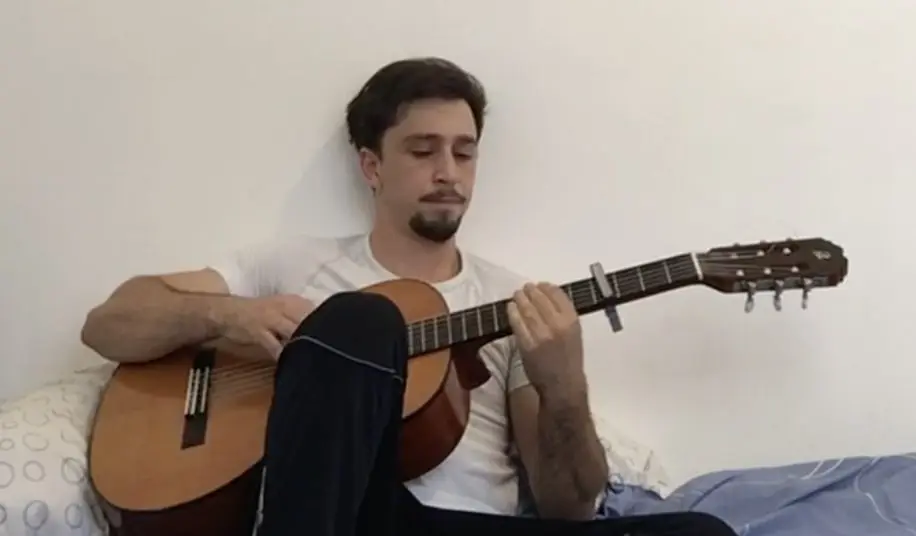
Tomer
Guitar · Piano · Indie · Folk · Acoustic pop
I’ve composed a song that has lived in my heart for years - a deeply personal piece that I’ve never been able to share properly. Thanks to Songscription, I’ve finally translated it into sheet music. Now my composition can be performed and appreciated beyond just my own playing - a dream I’ve had since I first wrote those notes.

Tony
Piano · Pop
There are so many songs I’ve written throughout my life that I hold in my hands but have never been able to pass on. Songscription opened a new door. For the first time, I have a lasting time capsule of my song that anyone, anywhere, can play, now and far into the future.

I create at the piano, and Songscription cleans up my mess into real sheet music.

Jeff
Piano · Guitar · Indie rock · Acoustic folk · Classical

Songscription has helped me transcribe my own live recordings, transforming a mundane & time-consuming task into something that has saved me countless hours.

Yameen Sekandari
Piano · Original compositions
As seen in…
Frequently asked questions
Is the sheet music scanner free?
Is the sheet music scanner free?
Yes, for a page a day. Free accounts scan 1 page a day with AnnieScan Mini. On Plus and Pro you pay in credits by the page, see the price before the scan starts, and pay only for the pages you get back.
Can it scan handwritten sheet music?
Can it scan handwritten sheet music?
Yes, with AnnieScan Studio, which comes with Plus and Pro. Studio reads handwritten scores, chord symbols, lyrics and tabs. AnnieScan Mini is the fast model for clean printed music.
What files can I scan?
What files can I scan?
PDFs and JPG, PNG or WebP photos, up to 50 pages in one scan. Save iPhone HEIC photos as JPG or PNG first. Password-protected PDFs can’t be opened.
Can I export a scan to MIDI, MusicXML or MuseScore?
Can I export a scan to MIDI, MusicXML or MuseScore?
Yes. Export MIDI for your DAW, or MusicXML to open in MuseScore, Sibelius, Finale or Dorico. PDF and Guitar Pro exports work too. Downloads come with Plus and Pro.
How long does a scan take?
How long does a scan take?
One page on AnnieScan Mini takes 1–3 minutes, and a 10-page score about 4–8. AnnieScan Studio takes longer, from 3–7 minutes for up to three pages.
Is scanning the same as transcribing a recording?
Is scanning the same as transcribing a recording?
No. Scanning reads notes someone already wrote down. Transcription writes the notes from a recording, so you can get a score for a song that never had one. Songscription does both.
How do I scan sheet music?
How do I scan sheet music?
Add the pages, pick a model, and the score opens in your browser a few minutes later.
- Add the pages. Upload a PDF, drop in photos, or take a photo with your phone or webcam. Crop, straighten, rotate, and reorder the pages before you start.
- Pick a model. AnnieScan Mini is fast and made for clean printed music. AnnieScan Studio also reads handwriting, chord symbols, lyrics and tabs.
- Play, edit, and export. The score opens in Inscript. Play it back, transpose it, fix a note, then export MIDI, MusicXML, PDF or Guitar Pro.
Which AnnieScan model should I use?
Which AnnieScan model should I use?
Use Mini for clean printed music and Studio for everything else. Both read every page you add, pick up the title and part names from the page, and keep each part in the order it’s printed.
Studio can also keep the original’s line breaks, beaming and engraving style, so the score looks like the page you scanned.
| What it reads | AnnieScan Mini | AnnieScan Studio |
|---|---|---|
| Printed scores | Yes | Yes |
| Notes, dynamics and tempo words | Yes | Yes |
| Handwritten scores | No | Yes |
| Chord symbols and lyrics | No | Yes |
| Tabs | No | Yes |
| Plans | Free, Plus and Pro | Plus and Pro |
What can I do with a scanned score?
What can I do with a scanned score?
A scan from Songscription is a real score, so everything you can do with a transcription works on it too.
- Hear it: play it back, slow it down, and loop the bars you’re learning, or turn it into audio from the sheet music.
- Change the key: transpose the sheet music and every accidental is rewritten for you.
- Edit it in Inscript, or ask Annie, the AI score assistant, to add lyrics, dynamics or repeats.
- Export it: MIDI for your DAW (sheet music to MIDI), MusicXML for MuseScore or Sibelius, PDF to print, or Guitar Pro.
How do I get the cleanest scan?
How do I get the cleanest scan?
A sharp photo of a flat page scans best. A few habits help.
- Lay the page flat in even light, with no shadow from your phone across it.
- Take one page per photo, with the whole page in the frame.
- Use your phone rather than a webcam: its camera takes sharper photos.
- If the PDF came out of notation software, export MusicXML from that program and upload it instead. It imports exactly, with nothing to scan.
No score at all? Transcribe the recording
No score at all? Transcribe the recording
If the song was never written down, upload the recording and Songscription writes the score from the audio. In our October 2026 benchmark, Songscription’s sheet music scored 59.4 to Klangio’s 48.3, ahead of every tool we tested. Read the full benchmark, or start with audio to sheet music.
For when to scan and when to transcribe, see audio transcription vs sheet music scanning.
More questions?
Contact usScan your first page
Free to start.