Features
Lossless in, accurate out
WAV is uncompressed, so the full performance reaches our AI intact. No MP3 artifacts smearing note onsets or blurring quiet passages. Cleaner audio in means more accurate MIDI out.
Bounce, convert, re-import
Export a WAV stem from Ableton, Logic, or Pro Tools, convert it to MIDI here, and drop the .mid straight back onto a MIDI track. A full audio-to-MIDI round trip in minutes.
Split piano into two hands
Piano WAVs come back as separate left and right hand MIDI tracks. Import to your DAW and you get two channels, ready to edit or reassign to different sounds.
Example transcriptions
Click on the cards to see Songscription in action.
See your WAV as MIDI
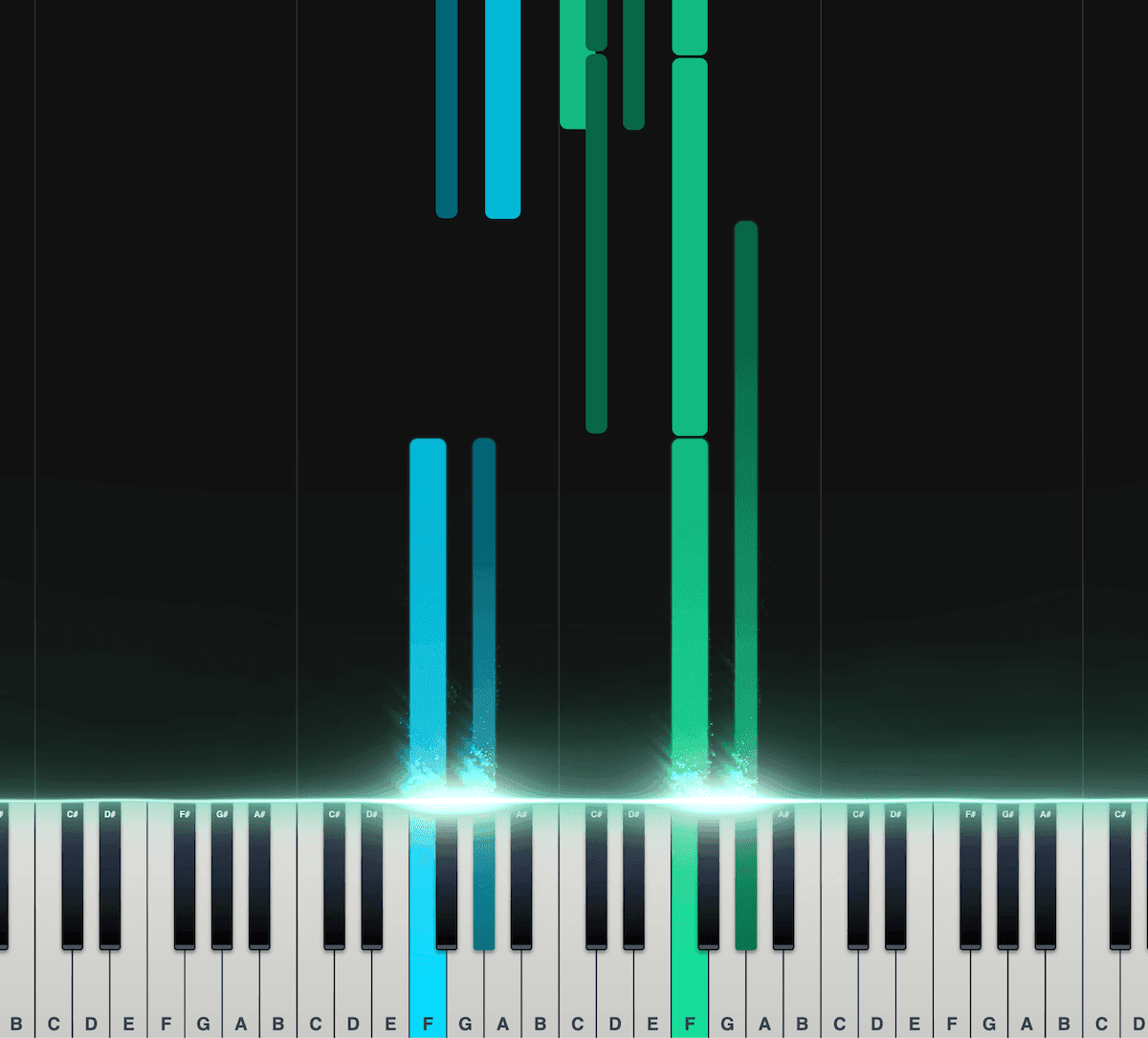
Piano roll
Our interactive piano roll displays each note as it falls onto the piano keyboard, so you can see exactly what’s being played and when.
Great for musicians who may not have a lot of experience reading other notation formats, such as sheet music.
Split the notes into left and right hands.
Control the speed, transposition, colors, and more.
Export as a MIDI file for use in your DAW.
Loved by musicians worldwide
Join thousands of musicians who have transformed their creative process with Songscription
"There are so many songs I’ve wanted to play but could never find the sheet music for. Songscription finally solves that problem; now I can just run the audio through and start playing."

Tomer
"I’ve composed a song that has lived in my heart for years - a deeply personal piece that I’ve never been able to share properly. Thanks to Songscription, I’ve finally translated it into sheet music. Now my composition can be performed and appreciated beyond just my own playing - a dream I’ve had since I first wrote those notes."

Tony
"There are so many songs I’ve written throughout my life that I hold in my hands but have never been able to pass on. Songscription opened a new door. For the first time, I have a lasting time capsule of my song that anyone, anywhere, can play, now and far into the future."

"I create at the piano, and Songscription cleans up my mess into real sheet music."

Jeff

"Songscription has helped me transcribe my own live recordings, transforming a mundane & time-consuming task into something that has saved me countless hours."

Yameen Sekandari
As seen in…
Frequently asked questions
More questions? Contact us
Why convert WAV to MIDI instead of MP3?
WAV is uncompressed, so it keeps every detail of the original performance. MP3 discards audio data to shrink the file, and that lost detail can blur note onsets and quiet passages. Feeding our AI a WAV gives it the cleanest signal to work from, which usually means more accurate MIDI.
Is there a size limit on WAV uploads?
WAV files are large because they are uncompressed, but you can upload them directly. We process the file in your browser before sending it for analysis, so a big WAV will not slow you down. Longer recordings are supported on paid plans.
Do I need a high sample rate or bit depth?
No. A standard 44.1kHz, 16-bit WAV is plenty, and you never need to upsample. What matters most is a clean recording where the instrument you want stands out clearly from the rest of the mix.
Can I bounce a stem from my DAW and convert it?
Yes. Export a WAV stem from Ableton, Logic, Pro Tools, or any DAW, upload it here, and drop the resulting .mid straight back onto a MIDI track. Note velocity and timing carry over, so the feel is already there.
Is Songscription free to use?
Yes. You can transcribe free 30-second clips, with a free trial for longer ones. Paid plans give you more transcription time and support for longer files.